Microsoft Office 365
Microsoft Office 365 is optimized for mobile productivity with streamlined tools for creating, editing, and sharing documents.

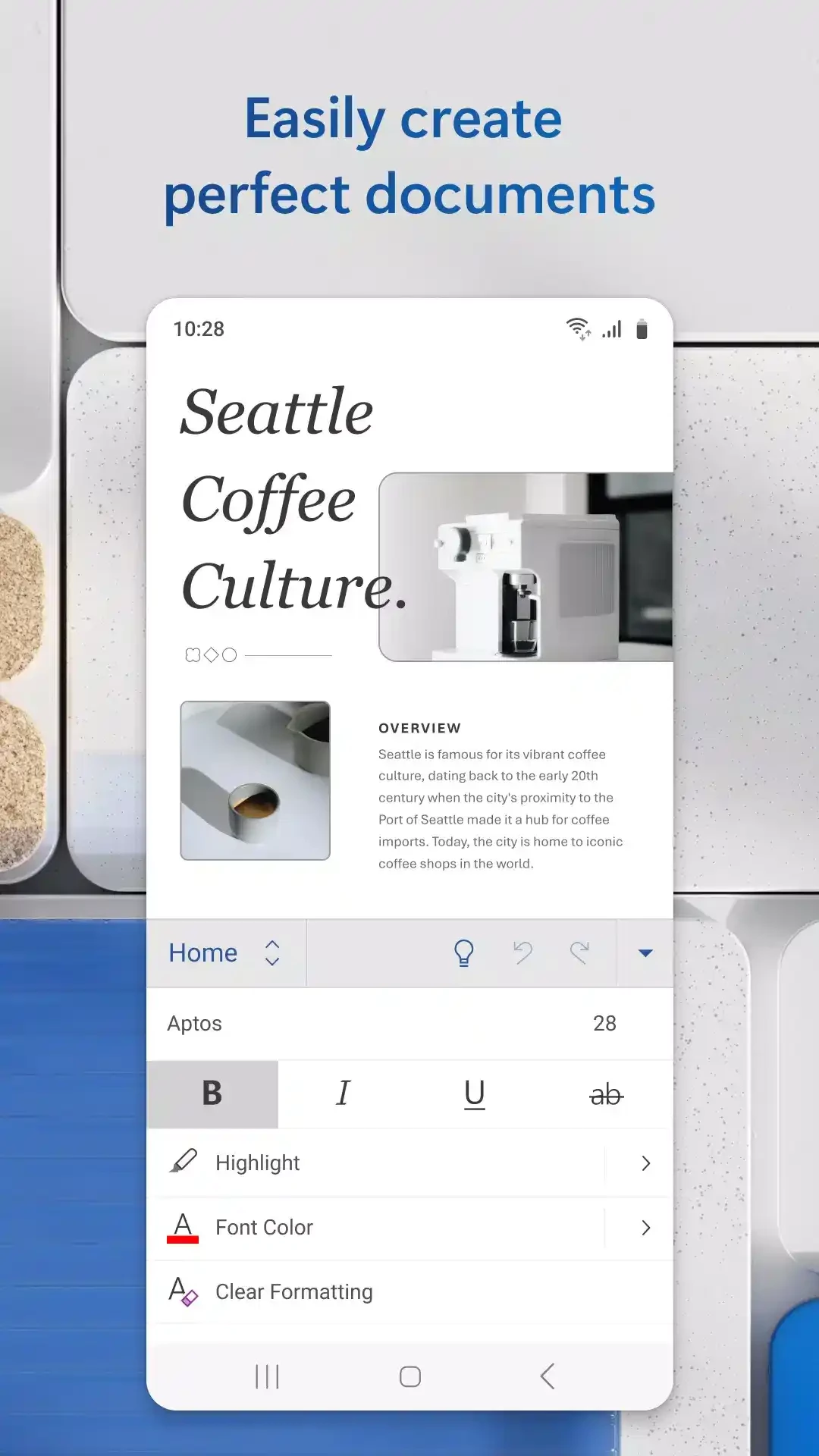
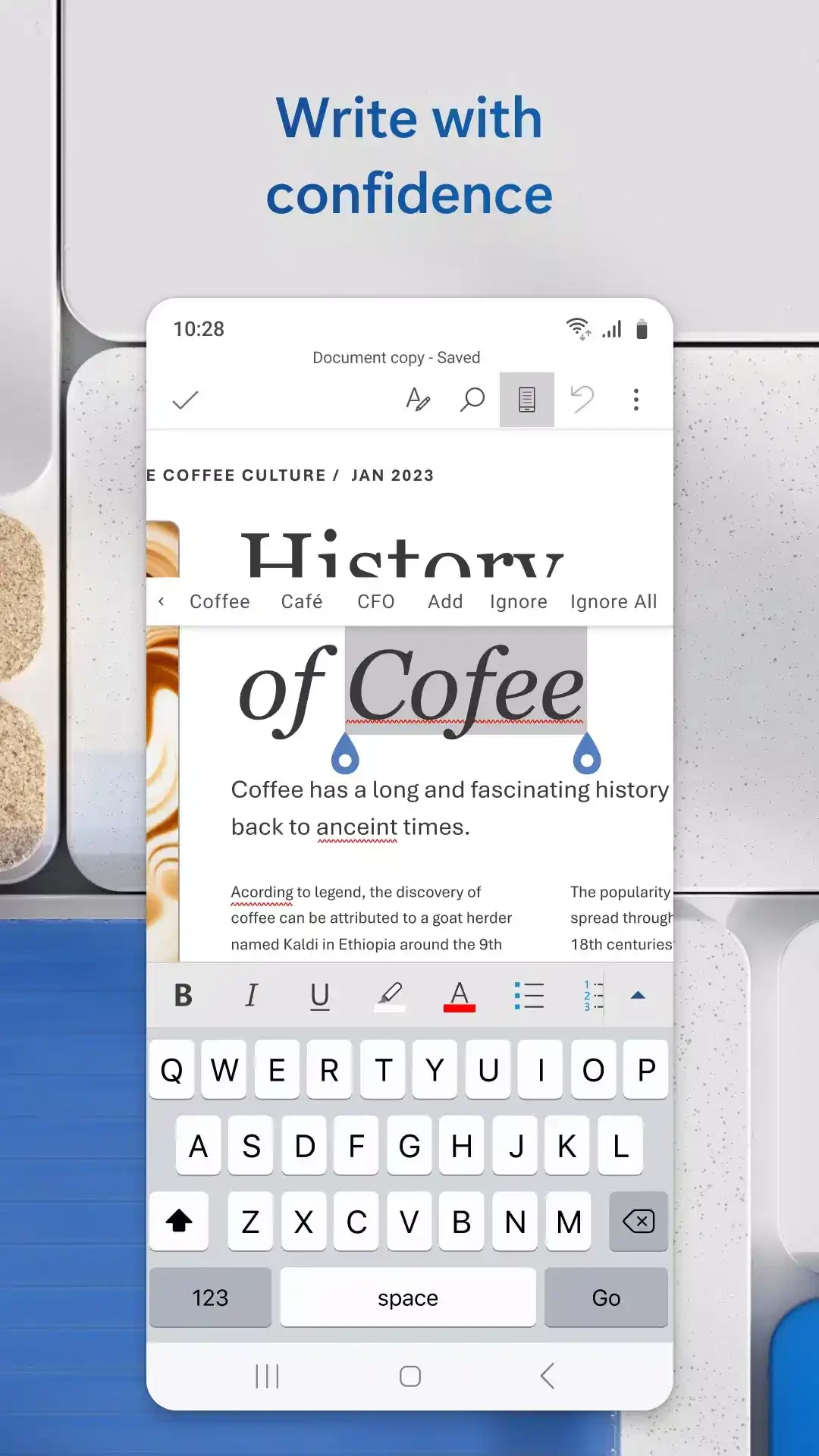
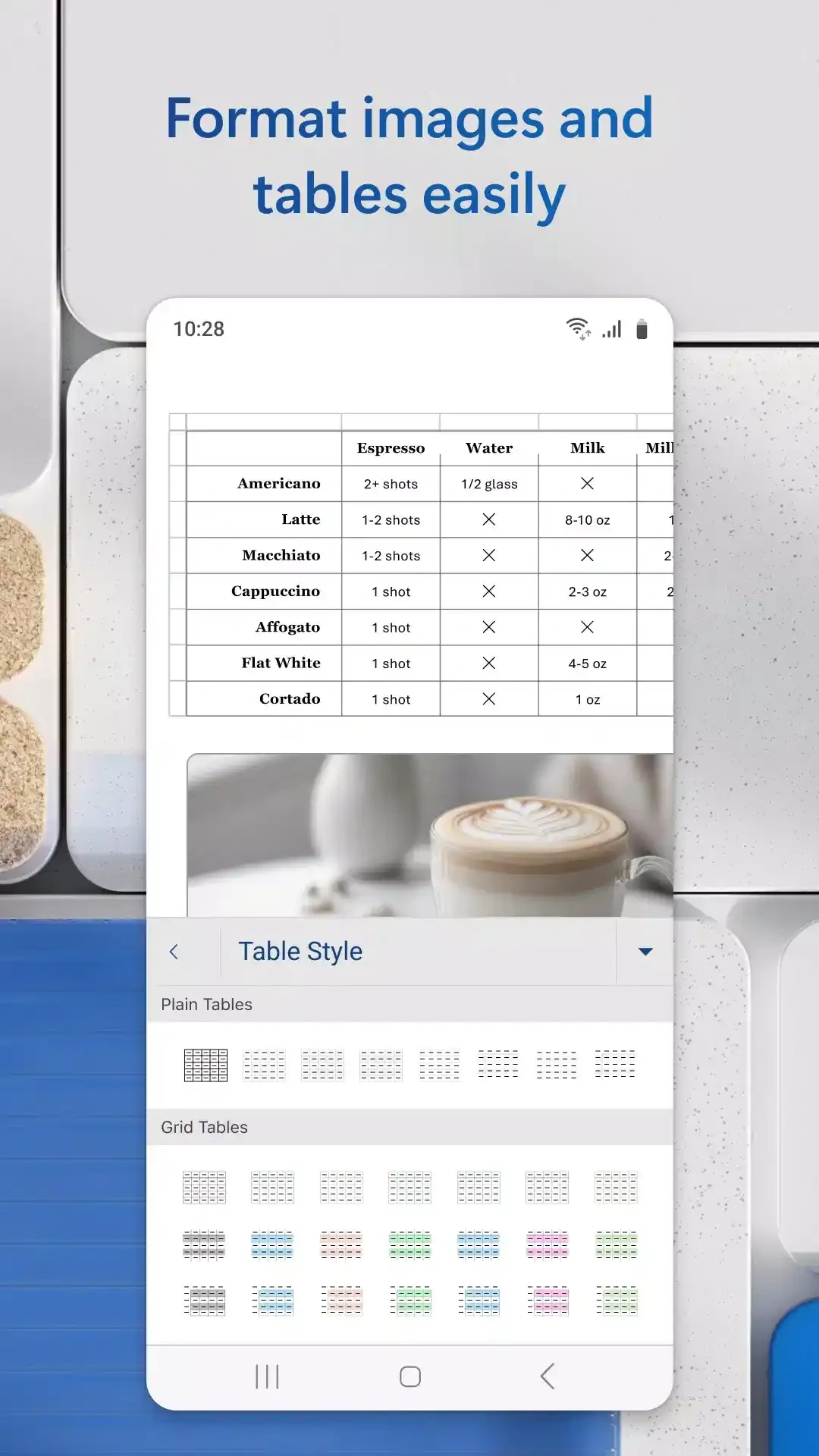
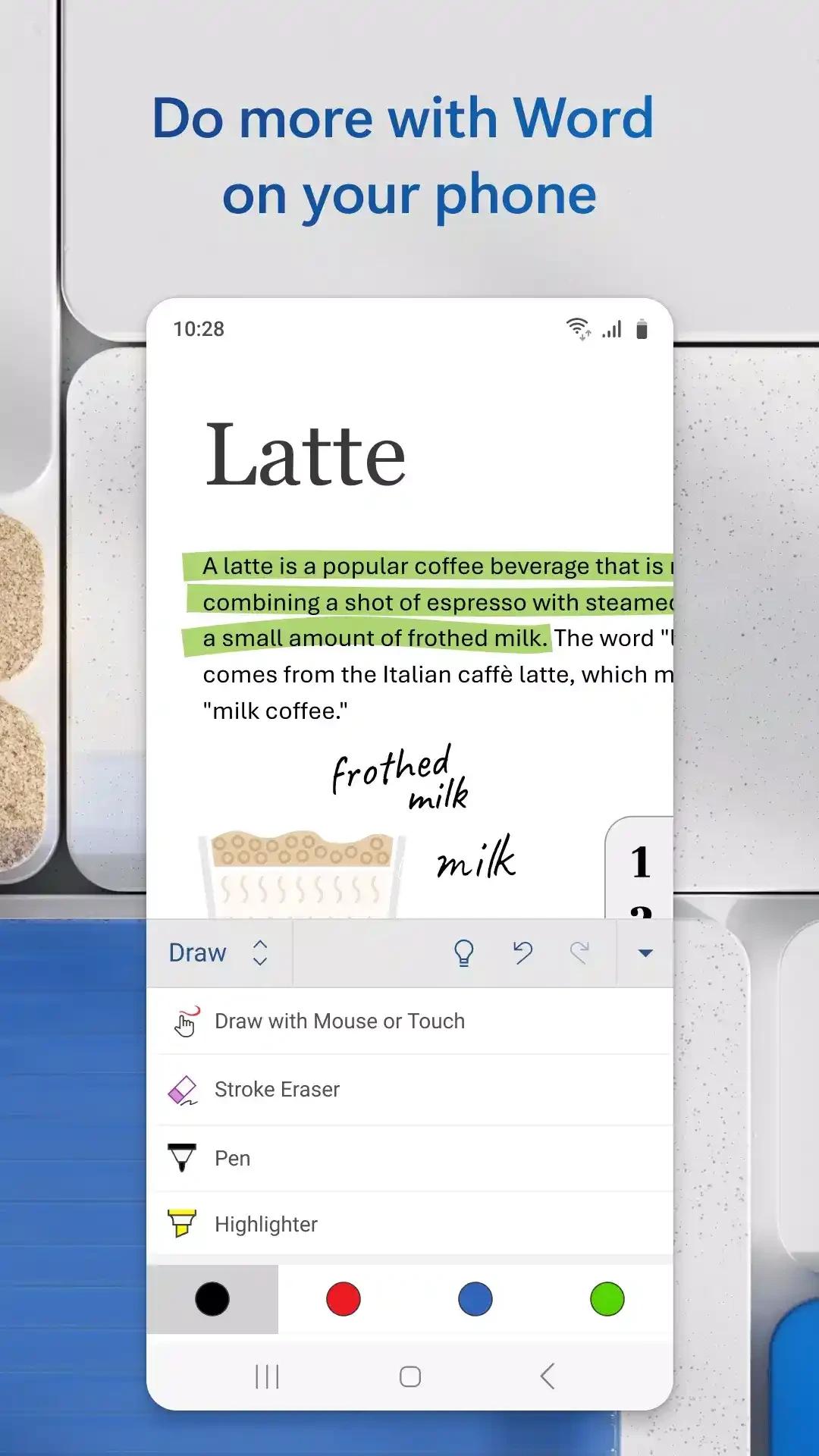
Microsoft Word is one of the most powerful productivity app belong to the Office 365 family. It is cross-platform, and the Android version is reliably usable for Android as well as tablet screens. However, it has some system requirements such as a minimum 7-inch screen, 1 gigabyte of RAM, and the Android version must be 4.4 or higher.
The innovative app with awesome mobile-optimized document editing experience enables users to select the viewing method according to their preferences, such as it be according to the mobile screen, or a full-screen view.
Microsoft Word was developed by Microsoft as a desktop application, but it is also available for smartphones officially. It is part of Microsoft Office 365, but you can download it as a standalone app as well. It is a freeware app while offering free and subscription plans as well.
It allows users to reliably view, edit, and create documents without waiting for their computer. It not only offers a typing of document facility, but also manages multiple important workflows such as teaching & training, client communication, broader document management, and so on.
The clean interface with logical menus and consistent shortcuts offers intuitive navigation and is reliably useful for novice and professional users. It offers multiple streamlined and predictable core tasks, including styles management, text formatting, and table insertion. It can create confusion for new users, as different new tools may appear during writing sessions, such as advanced layout, review, reference tools, and so on.
You can leverage the eye-catching templates available within the app and use them as a cover letter creator. It is also possible to maintain the formats and layouts while editing the document, such as resumes, cover letters, forms, and so on. You can create unique and attractive documents for any writing tasks.
The mobile version of MS Word offers a time-saving workflow, as it helps you to manage your document more reliably with awesome functionality. You can type your speech, refine it with the grammar and spell check menu, and, in case of enhancing vocabulary, use the collaborative panel for inviting input, and complete the speech in all formatting. It also offers a built-in PDF reader to allow users to enjoy reading their favorite books.
The Android version, compared to the desktop, is a lightweight utility that offers optimized and smooth performance while using touch-based interactions. View documents while using the zoom option, type or comment on documents, quick swiping between pages, save the documents automatically, and for real-time backups, support OneDrive sync facility. If you have an Android tablet, you will find more powerful functionality such as extended formatting menus, larger workspace areas, multi-window support, and so on.
The app not only allows users to create new documents, but also allows users to edit existing ones according to user preferences. You can use the reading View option for reading various types of documents, including docs, letters, PDFs, Scripts, and so on. It also enables the editing of PDFs and converting to and from Word format. You can save the Word document as a PDF.
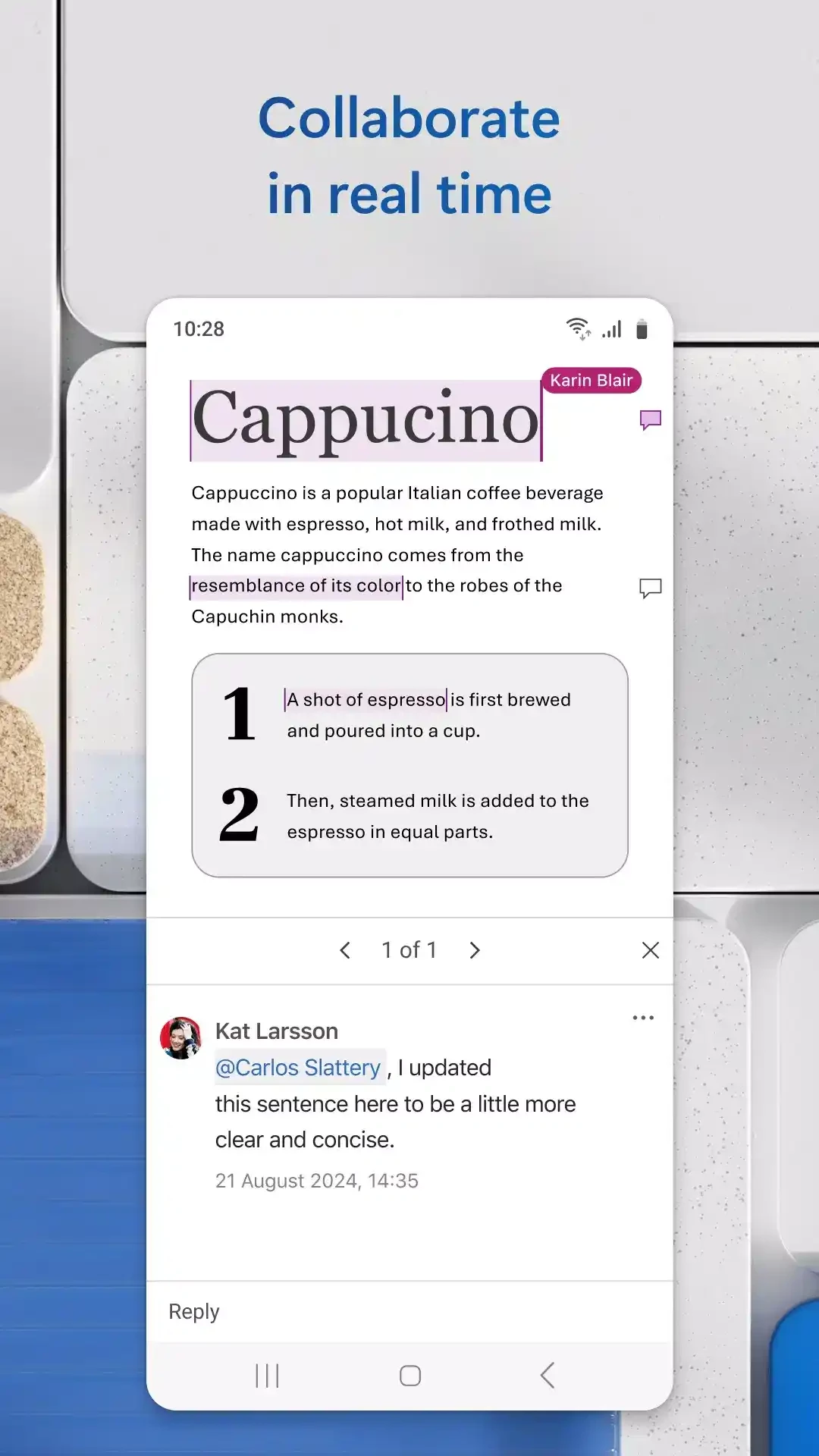
You can also invite others to read your documents, give suggestions, and even make modifications while collaborating on group projects. The integration with cloud storage services such as OneDrive helps users to save all of their modifications in real-time. In this way, you can access your documents from any device, anywhere.
The support for multiple file formats enables users to reliably manage their documents without any bothering of compatibility issues. However, you can edit files in .docx format only, but you can convert the format if you want to edit a file with another format. The supported formats are .docm, .odt, pdf, rtf, and .txt.
No doubt, the mobile version isn’t deeply customizable, and also lacks advanced functionality, including Macros, mail merges, etc. However, it offers light to moderate editing while focusing on all necessary features to enhance mobile productivity. Both Android and iOS devices have the same functionality within minimum differences.
Pros
Cons
Microsoft Office 365 is optimized for mobile productivity with streamlined tools for creating, editing, and sharing documents.

Microsoft Excel to create, edit, view, and share spreadsheets with limited functionality

Google Docs offers versatile and flexible text formatting within a powerful mobile word processor

Google Sheets, the cloud-based utility, offers quick creation, editing, and collaboration with offline support

Adobe Acrobat Reader to view, edit, print, and share PDFs